Got a new feature to tell you about. SendRecurring now connects to Zapier.
If you already use Sheets, Airtable, HubSpot, or a hundred other apps, you can create and manage recurring email or SMS reminders without copying everything into SendRecurring by hand. A new row, a new deal, a form submit — Zapier can turn that into a reminder on your schedule.
This is early access: the integration is private for now. If you want in, email me and I’ll invite your Zapier account.
What you can do
From a Zap, you can:
- Create an email reminder (to / cc / bcc, subject, body, schedule)
- Create an SMS reminder
- Update an existing email reminder
- Pause or resume an email reminder
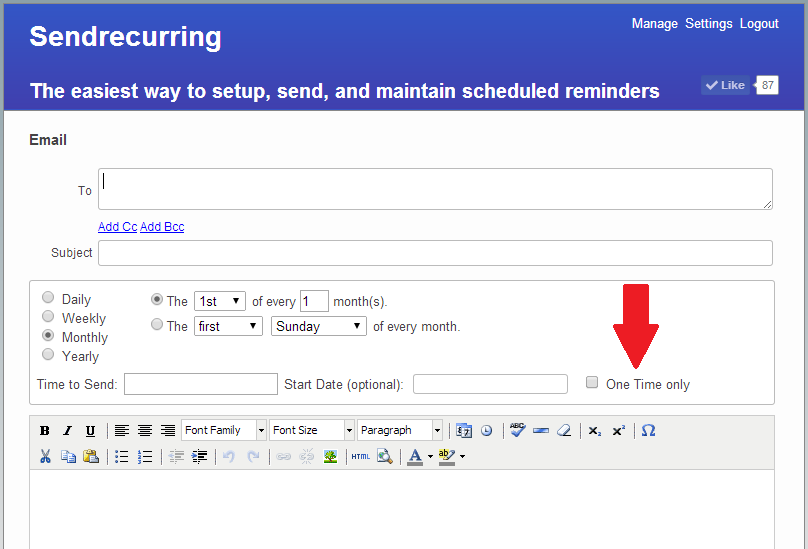
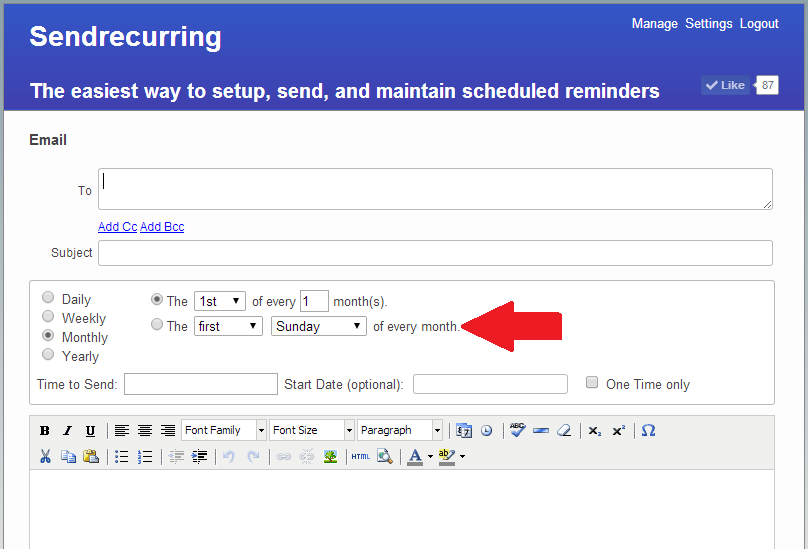
Schedules are the same ones you already know in SendRecurring: every N days, weekdays, weekly, monthly, yearly, and so on.
How to connect
- Email me at conrad@sendrecurring.com and ask for the Zapier invite (include the email on your Zapier account).
- Accept the invite in Zapier.
- In SendRecurring, go to Settings → API Keys and create a key. Copy it once — we only show the full key at create time.
- In your Zap, add a SendRecurring action, connect your account, and paste the API key.
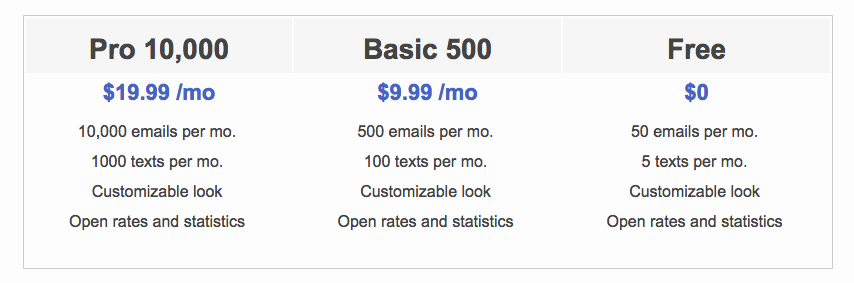
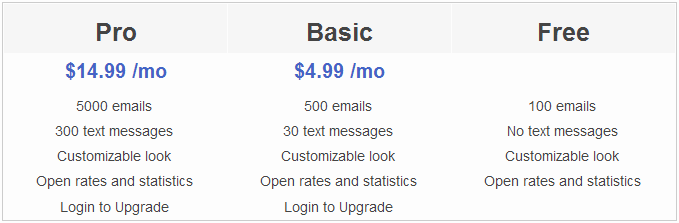
API keys are available on Basic and Pro plans.
Example: Google Sheets → recurring email
A simple Zap that works well:
- Trigger: Google Sheets — New Spreadsheet Row
- Action: SendRecurring — Create Email Reminder
Map columns like To, Subject, and Body from the sheet. Pick a schedule (for example monthly on the 1st at 9:00 AM).
Tip: set external_id to something stable from the row (like the row number or a unique ID column). If Zapier runs again for the same row, we update that reminder instead of creating a duplicate.
Why bother?
A lot of people already keep “who needs a reminder” in a spreadsheet or CRM. This keeps SendRecurring as the thing that actually sends on a schedule, while the other tools stay the source of truth for the data.
Same reminder engine as the website — Zapier is just another way to create and manage them.
What’s next
We’ll keep polishing based on real Zaps. Public listing in the Zapier directory comes later; for now it’s invite-only so we can help anyone who hits a snag.
If something’s confusing, broken, or you’ve got a workflow you want to automate, please email me.
Happy Sending!